Navigating the Family Tree Website
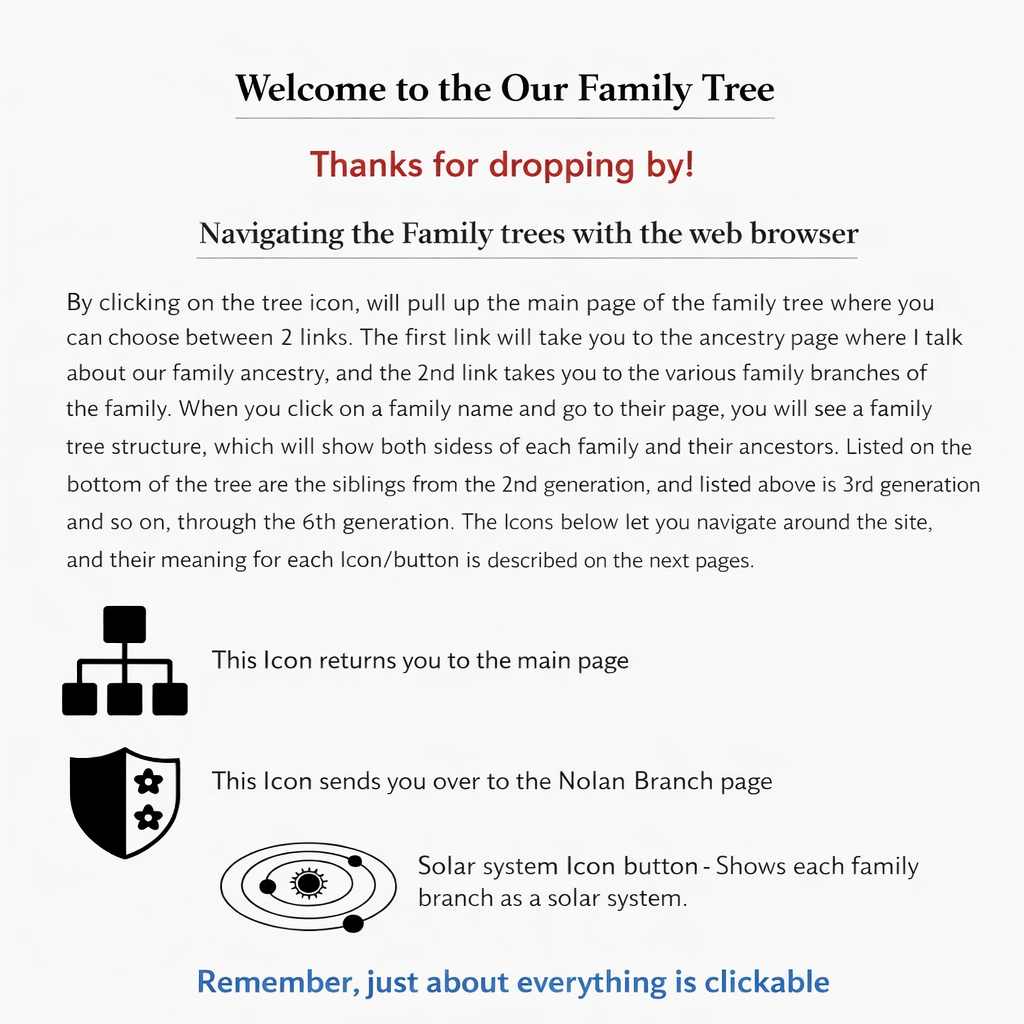
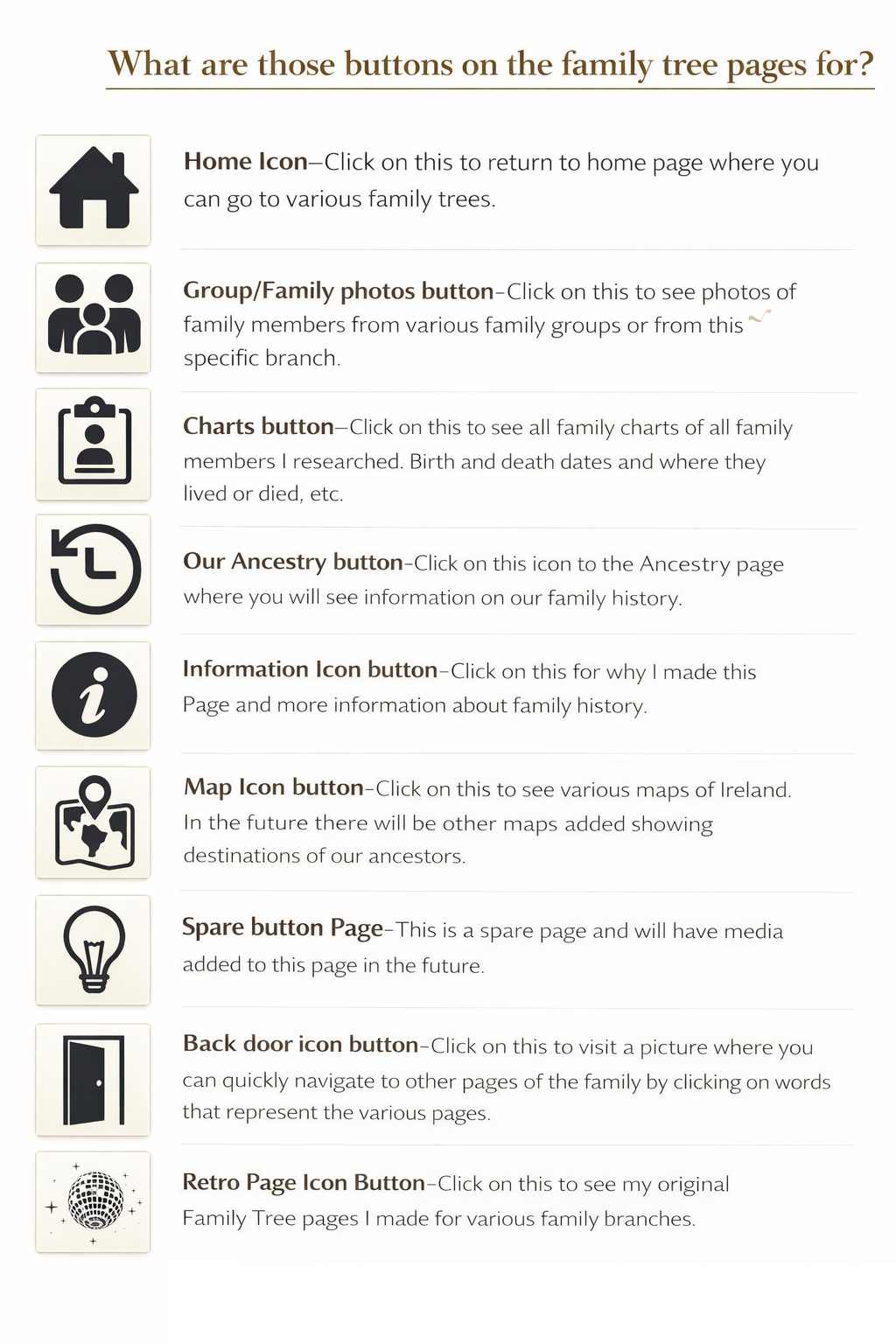
The icons throughout the site help you explore our family history.
Clicking the tree icon brings you to the main page, where you can choose between:
- Ancestry Page – Learn about our family’s origins and history.
- Family Branch Pages – Explore individual branches and their multi‑generation trees.
Each family page displays a structured tree showing ancestors, siblings, and generations up to the 6th generation.
Almost everything is clickable!
Family Tree Page Structure
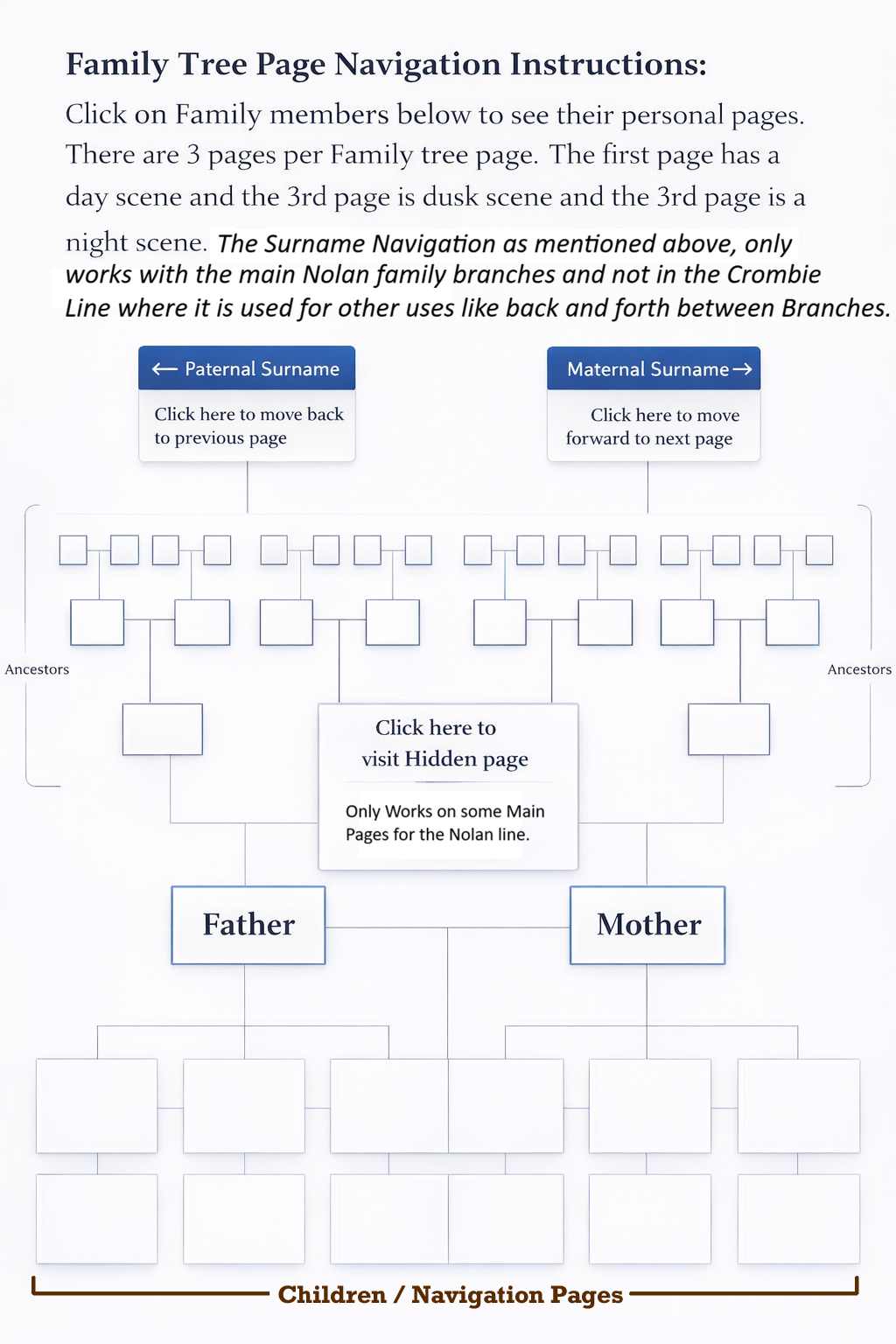
Each family tree has three themed pages:
- Day Scene
- Dusk Scene
- Night Scene
All three pages share the same layout, but the Back Door and Group/Family icons change between scenes.
Navigation Within a Family Tree Page
- Paternal Surname (Left Arrow) – Move to the previous page.
- Maternal Surname (Right Arrow) – Move to the next page.
- Ancestors Sections – Shown on both sides of the tree.
- Hidden Page Link – Available only on current trees, not ancestor trees.
- Father & Mother Boxes – Central parental generation.
- Children / Navigation Icons – Located at the bottom.